
Setting Up Your First Smart Home: A Step-by-Step Guide
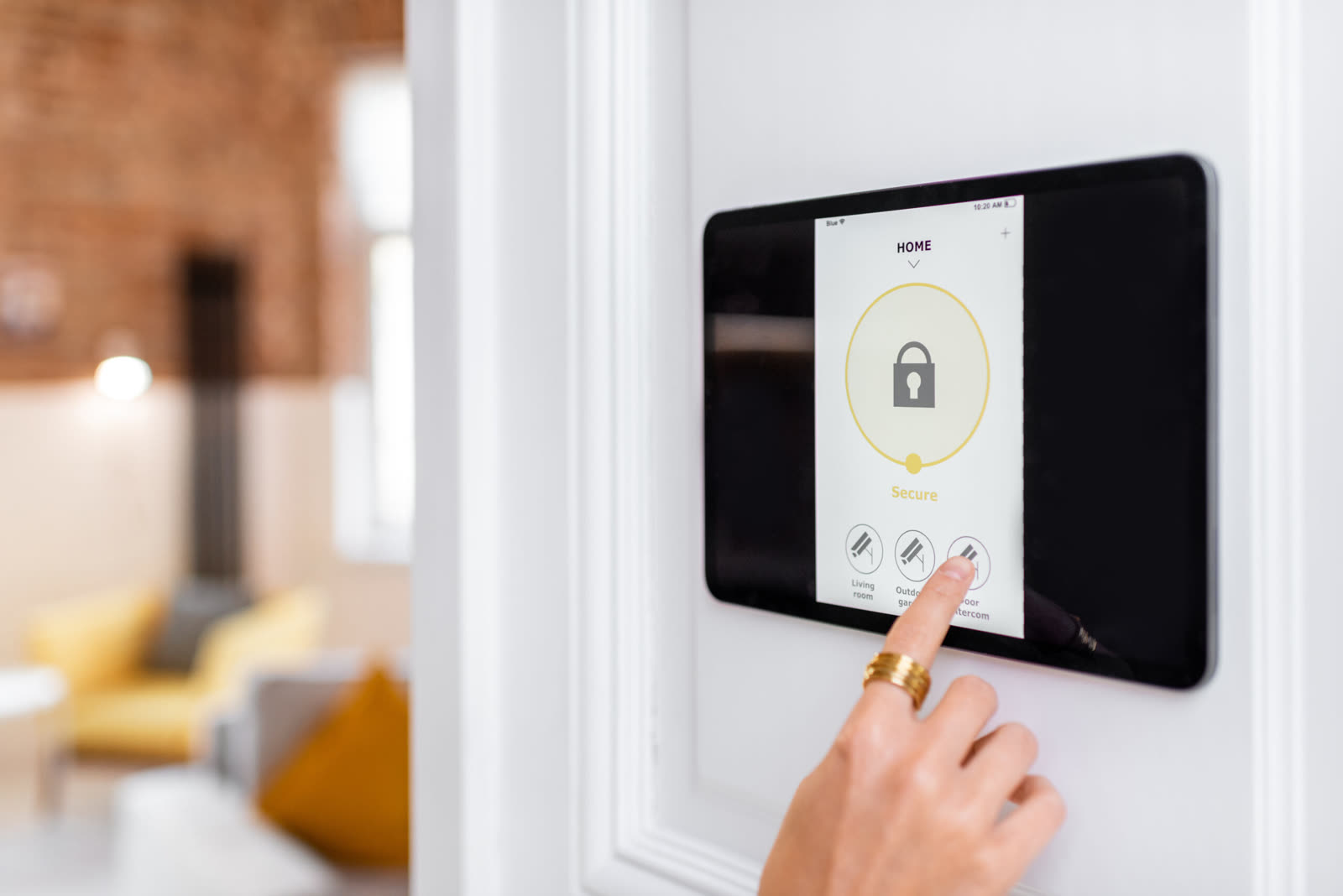
I walk through exactly how to set up your first smart home from deciding needs and budget all the way to testing and expanding. The guide focuses on choosing a hub like Echo or Google Home, picking compatible devices, following manufacturer instructions, and creating simple automations. I emphasize starting small with lights, plugs, and thermostats to keep things simple and affordable.
What Is a Smart Home
A smart home uses connected devices that automate tasks, improve security, and save energy. A central hub or app lets you control lights, thermostats, plugs, and security from one place. Standards like Matter help devices from different brands work together using Wi-Fi, Thread, or mesh networks.
Why Set Up a Smart Home
A connected home adds convenience, safety, and energy savings. You can schedule lights and appliances, use voice commands with Alexa, Google Home, or Apple Home, and monitor everything remotely. Simple devices like smart plugs and robotic vacuums handle routine tasks automatically.
Step 1: Determine Your Needs and Budget
Start by listing which parts of your home you want to control (lighting, security, heating) and how much you can spend. Factor in device costs, installation, subscriptions, and long-term expenses. Choose devices that work with your chosen hub or platform such as SmartThings, Home Assistant, or Apple HomeKit.
Step 2: Choose a Smart Home Hub
The hub is the central brain that connects and controls all your devices. Popular options include Amazon Echo, Google Nest, Apple HomePod, SmartThings, and Home Assistant. Some hubs support Matter, Thread, Zigbee, or Z-Wave. Pick one based on compatibility with the devices you already own or plan to buy.
Step 3-5: Select, Set Up, and Connect Devices
Choose devices like smart lights, plugs, thermostats, cameras, and doorbells that match your hub and support Matter or Zigbee. Follow the manufacturer's instructions to connect the hub to Wi-Fi, download the companion apps, and pair each device in pairing mode. Group devices and create basic schedules or routines.
Step 6-7: Test, Troubleshoot, and Expand
Test every device with voice commands and automations. Check Wi-Fi strength, update firmware, and fix connection problems early. Once everything works, add more devices like robot vacuums or extra cameras and customize scenes such as movie night or morning wake-up routines.
Who it's for
Get it if: Beginners who want to build their first smart home without getting overwhelmed.
Skip it if: Advanced users looking for deep technical details or specific brand recommendations.
Questions people ask
Bottom line
A clear beginner-friendly walkthrough for building a basic smart home with a hub and compatible devices.
Check price on Amazon As an Amazon Associate I earn from qualifying purchases.